
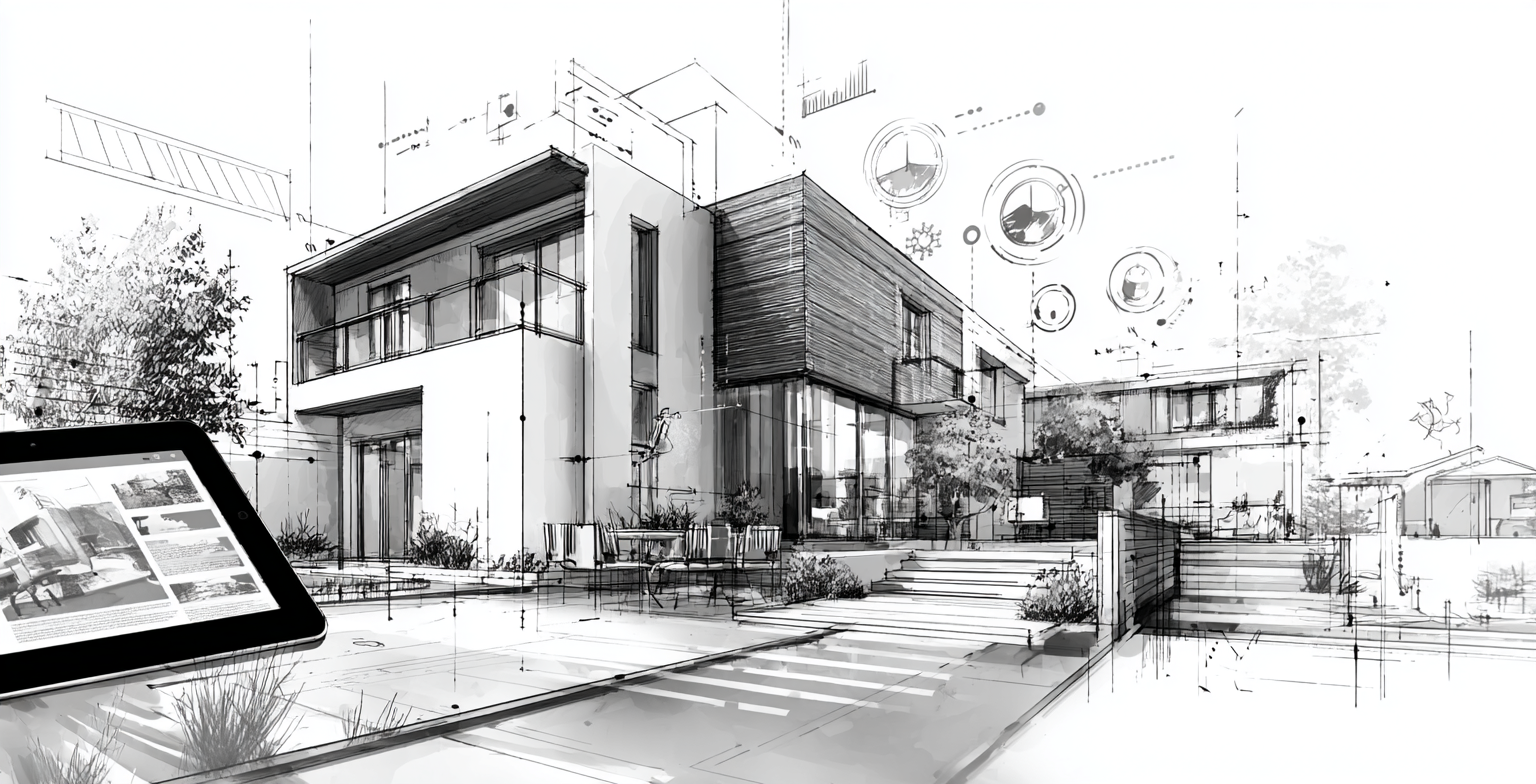
When homeowners look for a remodeler, they want proof—not just promises. They want to see the kitchens, baths, basements, and exteriors you’ve actually delivered. That’s why your project galleries and before/after photos are some of the most important assets on your website.
Done well, your visuals don’t just show that you “do good work.” They tell a story: where a space started, what you changed, and how it feels now. In this guide, GYRO (Grow Your Remodel Outfit) walks through how to structure, shoot, describe, and maintain your project galleries so they become a trust-building engine—not just a random collection of pictures.
Why Visuals Are Your Strongest Proof of Quality
Remodeling is visual. Homeowners often can’t fully imagine the end result until they see it. Your portfolio bridges that gap:
- Shows real quality: Finishes, details, and craftsmanship are easier to judge in photos than in text.
- Helps them see themselves: A project similar to their home or style makes it easier to picture working with you.
- Supports your pricing: Professional, well-lit photos justify your rates much more than “we care about quality” copy.
Think of your galleries and before/after photos as the visual backbone of your brand. Everything else—copy, CTAs, even testimonials—becomes more convincing when it’s backed by strong visuals.
Choosing the Right Projects and Angles
Not every project needs to make it into your gallery, and not every angle tells the story you want. Curation and composition matter.
Highlight jobs that reflect the kind of work you want more of—your ideal kitchens, baths, basements, and additions.
Include both large, high-end remodels and well-executed mid-range projects to reflect your real client mix.
Use wide angles to show the full space and layout before focusing on details like tile, hardware, and custom built-ins.
Whenever possible, shoot “before” and “after” from nearly identical vantage points so the transformation is instantly clear.
Angle & Composition Checklist:
- → Take at least one straight-on wide shot of the whole room.
- → Avoid overly tilted camera angles that distort the room and cabinetry.
- → Include detail shots that highlight materials, joinery, or unique design solutions.
- → Remove clutter and stage lightly so the room feels lived-in but not messy.
You don’t need a full photography crew—but thoughtful angles and composition make your work look as good online as it does in person.
Describing Results: Captions That Tell a Story
Photos catch the eye; words explain what’s special. Short, clear captions help homeowners understand what they’re looking at and why it matters.
|
Before/After Pairing
Before caption: “Closed-off 1990s kitchen with limited storage and poor lighting.”
After caption: “Open-concept kitchen with expanded storage, improved lighting, and a large island for family gatherings.” |
|
Problem → Solution → Result
Example: “The original bath lacked storage and felt dark. We reconfigured the layout, added a larger vanity, and introduced layered lighting to create a bright, spa-like space.”
Why it works: It shows your problem-solving, not just your product choices. |
|
Highlight Functional Wins
Example: “By relocating the fridge and adding a pantry wall, we created better flow and doubled usable storage without expanding the footprint.”
Why it works: Many homeowners care as much about function as they do about finishes. |
Tagging Projects by Service, Style, and Location
A well-structured gallery doesn’t just look good—it makes it easy for prospects to find projects that match their needs and for search engines to understand what you do.
Smart Tagging and Organization Ideas:
- → By service: Kitchen Remodels, Bathroom Remodels, Basement Finishing, Whole-Home, Additions, Exterior.
- → By style: Modern, Traditional, Transitional, Farmhouse, Contemporary, Rustic.
- → By location: City/Neighborhood names to support local SEO (e.g., “Kitchen Remodel – Sugar House, UT”).
- → By budget range (optional): “Budget-conscious,” “Mid-range,” “Luxury,” if you want to set expectations.
On your site, tags and filters let visitors quickly sort to “projects that feel like us,” which keeps them engaged longer and closer to reaching out.
Structuring Project Galleries That Build Trust
Instead of one long “Our Work” page, think in terms of curated experiences. Each main gallery should feel like a focused tour of the kind of work you want to be known for.
-
Create separate galleries by project type
For example: “Kitchen Gallery,” “Bathroom Gallery,” “Basement & Lower Level,” “Additions & Whole-Home.” Link to these from your homepage and service pages. -
Feature 6–12 of your strongest projects per gallery
It’s better to show fewer, great projects than dozens of average ones. Rotate in new ones as you complete them. -
Use consistent layouts
Keep image sizes, spacing, and captions consistent so the gallery feels professional and easy to scan. -
Connect to deeper project stories
For key projects, link from gallery thumbnails to individual case-style project pages for visitors who want more detail.
Keeping Galleries Updated Without Overwhelm
An out-of-date gallery sends the wrong message: “We haven’t done anything new in years” or “We don’t have time to showcase our work.” Updating doesn’t have to be all-or-nothing.
Simple Maintenance Rhythm:
- → Quarterly review: Every few months, add 1–3 strong new projects and retire older ones that no longer represent your current quality or style.
- → Project close-out step: Add “Collect final photos” to your punch list so visuals don’t get forgotten.
- → Batch uploads: Schedule one afternoon per quarter to upload, tag, and caption new work instead of doing it ad hoc.
- → Coordinate with social: Use the same images in your galleries and social posts for consistency and less work.
GYRO’s Website & Content and Branding & Visuals support can help turn this into a repeatable process, not a once-a-year scramble.
Consistent Image Branding Across Your Site
Even if your projects vary in style, your visuals should still feel like they belong to one company. Consistent visual branding builds recognition and trust, especially for homeowners comparing multiple remodelers.
|
Lighting & Color Tone
Tip: Aim for consistent brightness and color balance across images. Overly dark or wildly color-shifted photos can make the site feel inconsistent.
Action: Use simple editing presets or guidelines so images from different projects still feel cohesive. |
|
Framing & Cropping
Tip: Decide on a general framing style—straight lines, minimal tilt, similar cropping—for your primary hero and gallery shots.
Action: Adjust images so key lines (cabinets, walls, tile) are as straight as possible for a polished, professional look. |
|
On-Site Branding Touches
Tip: Discreet appearances of your logo (on shirts, vehicles, or signs in the background) can subtly reinforce your brand without feeling like an ad.
Action: When appropriate, capture a couple of shots that include your team or branded elements—not just empty rooms. |
How GYRO Helps Remodelers Turn Visuals into Trust and Leads
GYRO is built for remodelers who want their online presence to reflect the quality of their work. Your project galleries and before/after photos are central to that. Our Website & Content, Branding & Identity, and future Results & Portfolio offerings help you:
- Audit your current galleries and identify gaps or opportunities.
- Define standards for photography, angles, and staging that fit your brand.
- Organize projects into easy-to-browse galleries that support your core services.
- Write story-driven captions and project blurbs that explain the “why” behind the visuals.
- Keep galleries fresh with a simple, repeatable content workflow supported by our AI-powered engine.
Want Galleries That Actually Help Sell Your Remodeling Work?
If your current gallery is a mix of old projects, inconsistent photos, and thin descriptions, you’re not getting full credit for the work you do. GYRO can help you turn your visuals into a strategic asset that builds trust and drives more of the right inquiries.
Key Takeaways
Show, Don’t Just Tell
- Homeowners rely on your galleries and before/after photos to judge quality and imagine what’s possible in their own home.
- Choosing the right projects, angles, and captions turns simple photos into persuasive proof.
- Smart tagging and organization make it easy for visitors to find projects that match their needs and for search engines to understand what you do.
- Consistent, on-brand visuals across your site reinforce professionalism and support higher pricing.
You’re already doing the hard part—delivering great remodeling work. The next step is to show it online in a way that builds trust faster and helps the right clients recognize you as the remodeler they’ve been looking for.
Next Step
Your project photos shouldn’t live only in your camera roll or scattered across social media. With a clear structure and consistent visual standards, your galleries can become one of the most powerful parts of your marketing.
GYRO helps remodelers build and maintain galleries and before/after presentations that look great, load fast, and support your broader growth strategy.
Explore Website & Content Solutions Talk to a GYRO Strategist
We’ll review your existing visuals, recommend improvements, and help you create a plan to showcase your best work in a way that wins trust—and wins more of the projects you actually want.